
Your employer has sent you a MyArkevia activation email, and you’re staring at the screen not quite knowing where to start. The MyArkevia digital vault, published by Cegedim, centralizes your dematerialized pay slips in a secure personal space. Accessing this space requires you to go through a few specific steps, especially during your very first login.
Legal Value of the PDF and Limitations of Screenshots
Before even discussing passwords, one point deserves your attention: the document you download from MyArkevia does not hold the same value depending on its format. Only the original PDF downloaded from the vault serves as admissible proof. A screenshot of your pay slip, even if clear, will not be accepted by a court or an administrative body.
When retrieving a pay slip for a mortgage application or a labor dispute, always download the PDF file. Do not settle for a screenshot, even if it seems quicker. This reflex will save you from having a document rejected when you need it most.
To better understand the connection to MyArkevia and access to the vault, some clarifications on the activation process are necessary.
First MyArkevia Login: Step-by-Step Activation Process
You may have already noticed that the activation email sometimes ends up in spam? This is the first reflex to have: check your junk mail if nothing appears in your main inbox.
The email contains a unique activation code, sent by your employer via the Cegedim platform. This code has a limited validity period. If you let it sit too long, you will need to request a new one from your HR department.

Here are the concrete steps to activate your employee space:
- Go to www.myarkevia.com (and not arkevia.com, which does not correspond to the public login portal).
- Click on the activation link or enter your code in the designated field. You will then need to create a personal password.
- Choose a strong password, different from your work email password. Associate it with a personal email address to retain access even after leaving the company.
- Confirm, then log in with your newly created credentials. Your first electronic pay slips will appear in the vault.
Associate a personal email address as soon as you activate. This precaution ensures that your access will survive a change of employer, a point that many employees discover too late.
Forgot MyArkevia Password: Recovery Procedure
The MyArkevia login page offers a “Forgot Password” link. By clicking on it, a reset email is sent to the address linked to the account. If this address belongs to your former employer, the situation becomes complicated.
In this case, contact Cegedim support directly or your former HR department. No colleague or manager can reset your password for you, as the employee space is completely separate from the employer’s IT system.
Why this separation? Because your digital vault belongs to you, not to the company. The employer deposits documents there, but cannot consult or delete them after submission. This strict separation protects the confidentiality of your personal data.
Portability and Retention: What Happens After Leaving
Leaving a company does not close your MyArkevia vault. The documents already deposited remain accessible, and the legal retention period goes beyond what most guides mention. Your dematerialized pay slips must remain available for at least 50 years or until you turn 75, whichever is longer.
However, there is a point of friction: if your new employer uses a different HR digital vault, your old documents do not automatically migrate. No standard requires interoperability between digital vault providers. In practice, you could find yourself managing two separate spaces.
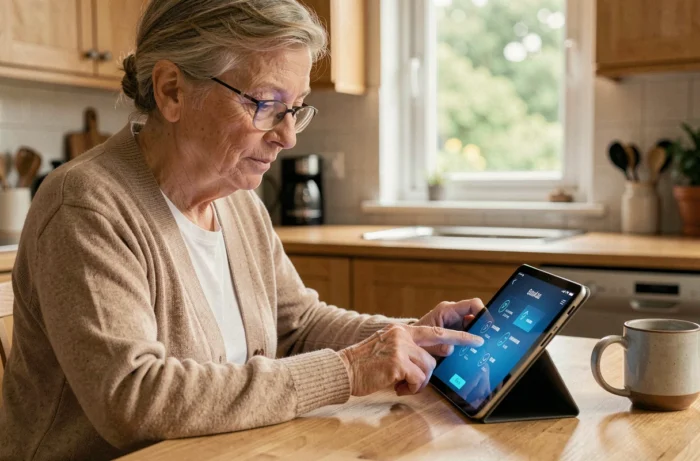
The practical solution is to regularly download your PDFs from MyArkevia and save them on a personal storage device (hard drive, private cloud). This is not a lack of trust in the platform. It is a precaution against the absence of standardized portability in the sector.
Enhanced Authentication on MyArkevia in 2026
Cegedim has announced the rollout of generalized two-factor authentication (2FA) in the summer of 2026 for MyArkevia accounts. During login, a validation code is sent via SMS or generated through an authentication app, in addition to the usual password.
This additional layer of security reduces the risk of unauthorized access, even if your password is compromised. To enjoy it without friction, ensure that your phone number is up to date in your account settings.
If you use an authentication app (like Google Authenticator or similar), keep the backup codes generated during setup. Losing access to your phone without these codes turns a security measure into an obstacle.
Your MyArkevia digital vault remains free and personal, regardless of your professional journey. The only vigilance to maintain concerns your credentials: keep them updated, prefer a personal email address, and regularly download your documents to address the lack of portability between providers.